

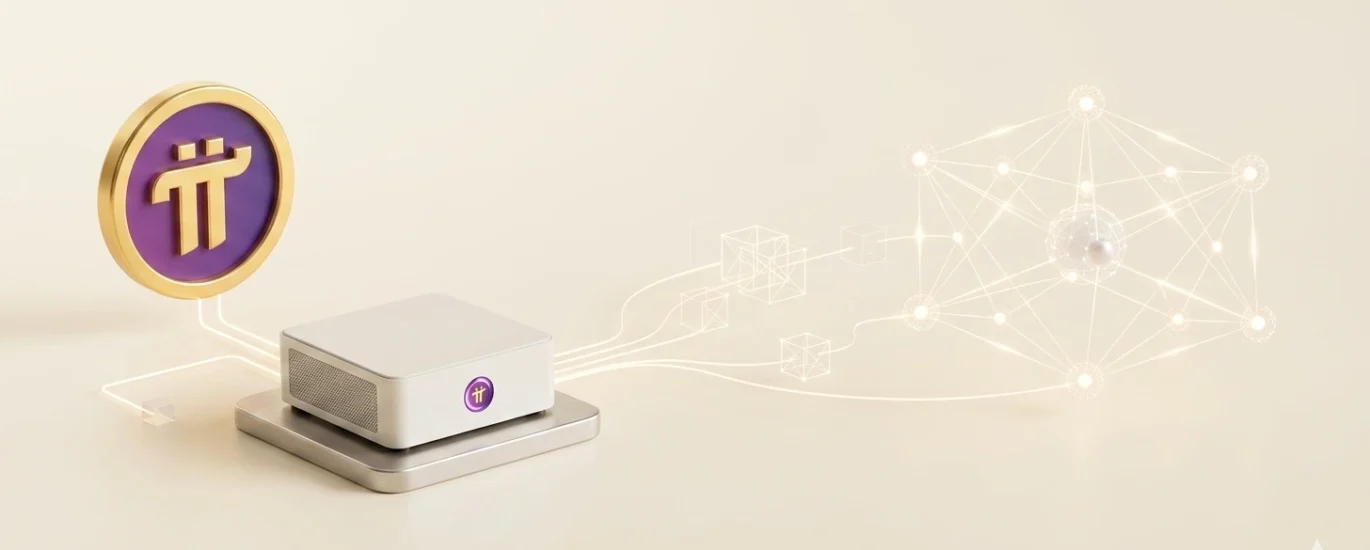
As active participants in the crypto ecosystem who have deployed everything from Ethereum validators to Solana RPC nodes, we know that infrastructure is where the real “Skin in the Game” lies. We aren’t just observing the Pi Network from the sidelines; we are running the hardware, monitoring the peer-to-peer connections, and assessing the heat output of our rigs. For a professional investor, the question isn’t whether Pi is “free money”—it’s a calculation of hardware depreciation versus potential protocol appreciation. In 2026, with the Open Mainnet fully operational, the Node is no longer a beta test; it is the backbone of the network’s consensus.
The Technical Reality of Pi Nodes in 2026
The Pi Node operates on the Stellar Consensus Protocol (SCP). Unlike Bitcoin’s Proof-of-Work, which requires massive computational “hashing,” Pi Nodes achieve consensus through communication. Your PC isn’t solving complex math; it is gossiping with other nodes to agree on the next block.
Node Tiers: Member vs. Validator
By 2026, the distinction between a “Basic Node” and a “SuperNode” has become critical for ROI. Basic Nodes contribute to the network’s decentralization but receive lower rewards. SuperNodes, which require high-speed fiber internet and 99.9% uptime, are the ones processing transactions and securing the global ledger. These high-tier nodes are essential for maintaining the protocol’s Total Value Locked (TVL) by ensuring that DeFi transactions on the Pi blockchain are processed without latency.
Explore the Pi Ecosystem. [Official Site]
Step-by-Step: Setting Up Your Pi Node in 2026
Setting up a Node in 2026 requires more than just installing an app. It involves Docker containerization and precise port forwarding to ensure you aren’t invisible to the rest of the network.
- Hardware Audit: Ensure you have at least 8GB of RAM (16GB preferred), a Quad-Core processor, and 256GB of SSD storage. HDD is now obsolete for block synchronization.
- Install Docker Desktop: Pi Nodes run inside a Linux container. Download and install Docker for Windows/Mac and enable WSL 2 (Windows Subsystem for Linux).
- Download Pi Desktop: Install the official Pi Network desktop application from the official site.
- Sync Mobile Account: Use your Pi mobile app to scan the QR code on your desktop to link your verified KYC account.
- Enable Node Interface: Navigate to the “Node” tab in the desktop app and apply.
- Port Forwarding (Crucial): Open ports 31400 through 31409 in your router’s settings. This allows other global nodes to communicate with yours.
- Download Blockchain Data: Let the node “catch up” to the current block height. This can take 24–48 hours depending on your bandwidth.
- Uptime Monitoring: Once synced, keep the PC running. The “Availability” metric is what determines your Node Bonus.
Pi 2026: [The Forecast] | [The Verification]
Is it Worth It? Comparative Analysis of Mining Efficiency
To determine if PC mining is viable in 2026, we must compare it to other forms of passive network participation.
Hardware vs. Reward Comparison
| Mining Method | Daily Effort | Hardware Cost | Energy Impact | Reward Multiplier |
| Mobile App (Standard) | Low (1 Click) | $0 (Existing Phone) | Negligible | 1.0x |
| Basic Node (PC) | Medium (Uptime) | $400 – $600 | Moderate (~$10/mo) | 3.5x – 8.0x |
| SuperNode (Server) | High (Maintenance) | $1,200+ | High (~$30/mo) | 15x – 40x |
Risks and Audit Considerations
Running a node introduces security risks. Since your IP is exposed to the peer-to-peer network, we recommend using a dedicated machine rather than your primary work PC. Protocol audits in 2026 have confirmed that the Pi Node software is “sandboxed,” meaning it cannot access your personal files, but the vulnerability lies in the open ports. Ensure your firewall is configured strictly for the 31400-31409 range.
Learn and Earn: Optimizing Your Node for 2026
The “Alpha” for 2026 is Reliability. The Pi algorithm now heavily penalizes “flapping” nodes (those that go online and offline frequently). If your uptime falls below 80%, your Node Bonus for the month can be slashed by half.
For the practical investor, the most efficient setup is a low-power Mini-PC (NUC). These devices consume less than 30W of power but provide enough CPU power to handle SCP consensus. This maximizes your “Net Pi” after electricity costs. By treating your Node as a micro-business, you move from a “casual miner” to an infrastructure provider, earning a stake in the protocol’s long-term utility.
People Also Ask (FAQ)
- Can I run a Pi Node on a laptop?Yes, but it is not recommended due to heat issues and the requirement for 24/7 uptime.
- How much data does a Pi Node use per month?In 2026, a node uses approximately 100GB – 300GB of data depending on network traffic.
- Do I need to pass KYC to run a node?You can run a node without KYC, but you cannot claim the Pi rewards until your identity is verified.
- Is Docker safe for my computer?Yes, Docker is a standard industrial tool that isolates the Node software from your operating system.
- Does the Pi Node mine Bitcoin?No, it only supports the Pi Network’s Stellar-based consensus.
- What happens if my internet goes out?Your node will stop earning the “Uptime Bonus” until it reconnects and re-syncs with the blockchain.
- Can I run multiple nodes on one account?No, the protocol allows only one active node per verified user to prevent centralization.
- Is it better to mine on a PC or a Phone?The PC Node provides a much higher reward multiplier (Bonus) than the phone alone.
- What are the minimum RAM requirements in 2026?A minimum of 8GB is required, but 16GB is highly recommended for smooth block processing.
- Do I need a static IP address?A static IP is not required but highly recommended to avoid connection drops with peers.
- How much electricity does a Pi Node use?On a modern Mini-PC, it typically uses about as much as a LED lightbulb (15-30 Watts).
- Is my data private when running a node?The node only shares blockchain-related data; it does not share personal files or browsing history.
- Can I use a VPN with a Pi Node?It is difficult, as most VPNs block port forwarding. A direct connection or a dedicated VPS is better.
- How do I know if my ports are open?The Pi Desktop app has a built-in “Troubleshooting” tool that tests port connectivity.
- What is the reward for being a SuperNode?SuperNodes receive the highest share of the network’s transaction fees and inflation rewards.
- Will running a node slow down my PC?If you have a modern CPU, the impact is minimal (usually less than 10% CPU usage).
- Can I run the node on Linux?Yes, Docker allows the node to run on Windows, Mac, and Linux (via CLI).
- When will Node rewards stop?Rewards are designed to continue as long as the network requires decentralized validation, likely for decades.